
How to reduce manual administrative work in a trading business
Facts checked: 2026-11-01
It isn't just selling that takes time -- preparing documents, reporting to management, filling out paper logs and hunting for information across different files often eats up a large share of the workday. This article covers how to reduce this 'invisible' administrative load, which doesn't directly generate revenue but is unavoidable.
What 'invisible' administrative work is
Unlike the sales process (deal → invoice), administrative work is usually cross-cutting -- it touches several departments and isn't tied to one specific deal: reports, document lookups, repeatedly passing information between people.
Where exactly the time goes
The most common types of administrative work in a small/medium trading or service business:
- Preparing weekly/monthly reports for management by hand from several different files
- Re-preparing shipping documents, packing slips or labels from scratch for every order
- Hunting for information -- "which file had that invoice/contract/warranty" -- across different folders
- Repeated cross-department questions ("what's the stock level", "is the invoice paid") answered manually
- Filling in paper or separate digital logs (warehouse movements, service receptions) that later get re-typed into another system
How DSOLVER CRM reduces this work
The core principle: information is entered once and accessible from anywhere, with no re-typing or hunting across files:
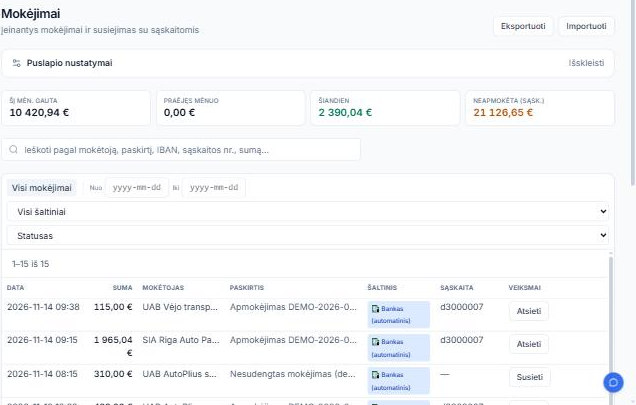
- Reports and dashboards show a real-time view of sales, warehouse and finances, with no manual data gathering from several files
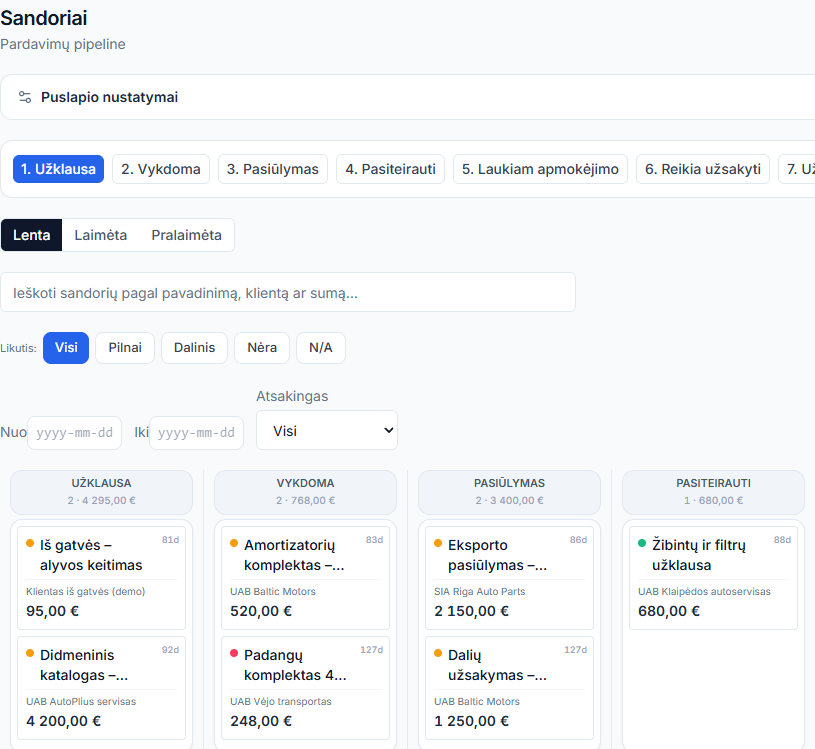
- Shipping documents, packing slips and barcode labels are generated directly from the deal data
- Invoices, contracts and warranty documents are stored against a specific customer or deal -- one place to search, not scattered folders
- B2B partners and colleagues see stock/invoice status themselves in the portal, with no extra question
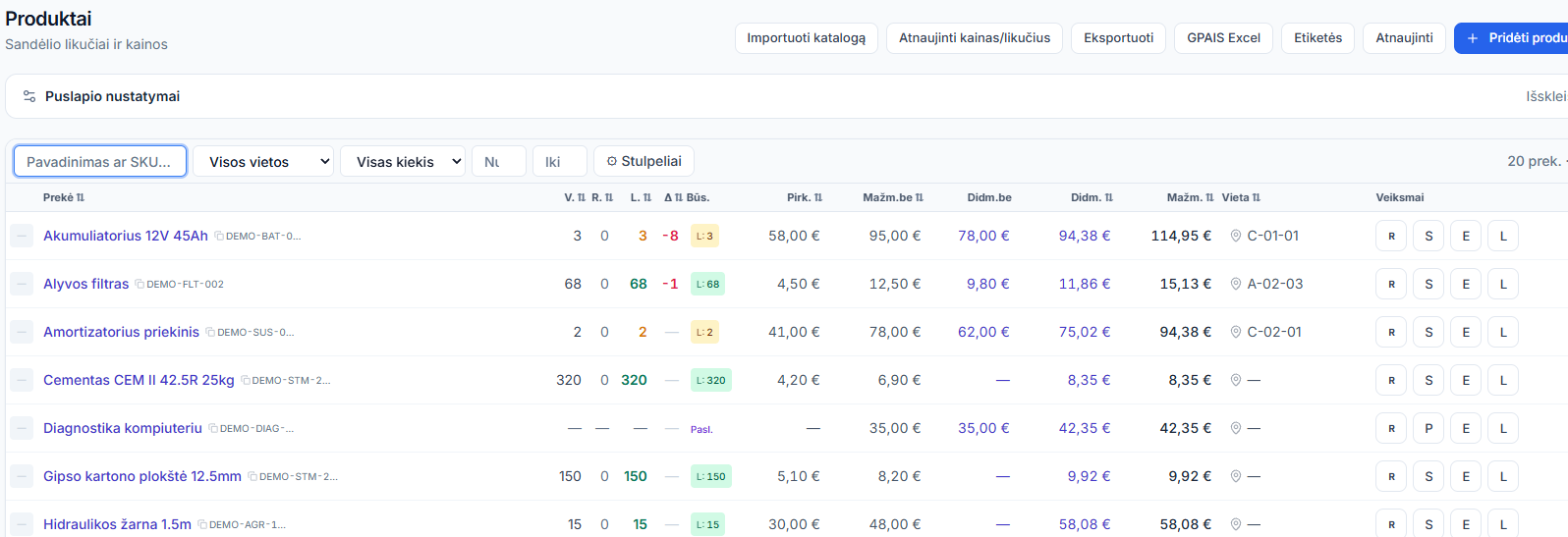
- Warehouse movements are logged directly in the system via a scanner, not a paper log that later needs re-typing
- Every morning the system builds its own list of who needs a call about an unpaid invoice, with the amount and phone number one click away, instead of someone reviewing every invoice by hand to find who owes money
How this differs from sales process automation
Sales automation (see the related article) reduces manual work in the specific deal → invoice → payment flow. This article covers the broader, cross-cutting administrative load -- reports, documents, information lookups -- that touches the whole team, not just salespeople.
How to assess your administrative load
Ask yourself:
- □How much time per week goes into preparing reports by hand from several files?
- □Are shipping documents/labels re-prepared from scratch for every order, or generated automatically?
- □How long does it take to find a specific invoice or warranty document when you need it?
- □How many times a day does the team answer repeated questions about stock or invoice status?
- □Are warehouse/service logs kept on paper or in a separate file that later needs re-typing?
Frequently asked questions
Do reports update in real time, or do they need to be gathered manually?
Dashboards update in real time from the same data already in the system -- no extra gathering from separate files is needed.
Can shipping documents and labels be generated automatically?
Yes, packing slips and barcode labels are generated directly from the deal/order data.
Where are contracts and warranty documents stored?
Against the specific customer or deal in the system, searchable in one place rather than scattered across folders.
Is this article the same topic as the sales automation article?
No, sales automation covers the specific deal-invoice-payment flow, while this article covers the broader administrative load shared across the whole team (reports, documents, lookups).
Do existing documents/logs need to be migrated during rollout?
During rollout we help migrate existing customers, products and data from Excel or a legacy system -- discussed individually.
Related pages
Want to see how much admin work you could save?
In a short call we'll review your current reporting and document processes.