
How to automate sales processes in a small/medium business
Facts checked: 2026-11-01
Small and medium businesses often assume automation means an expensive robot or a complex AI system. In reality, the biggest time savings come from simple things: not entering the same data twice, stock updating automatically, invoices generated without manual retyping. This article explains exactly what gets automated in DSOLVER CRM, with no overblown promises.
What sales automation actually is (and isn't)
Sales automation doesn't mean the system sells for you. It means routine, repetitive steps — moving data between systems, checking stock, preparing an invoice — happen automatically, so the salesperson spends the time saved on actual selling and the customer.
Where small/medium businesses actually lose time
Before talking about a solution, it helps to name exactly where a salesperson's or manager's time leaks away without automation:
- Re-typing data from an inquiry (email, call) into a CRM or spreadsheet by hand
- Checking stock in another tool before confirming to a customer whether a product is available
- Re-preparing an invoice even though all the data already exists in the deal
- Manually reconciling payments against invoices while looking at a bank statement separately
- Repeated questions from B2B partners about prices and stock by phone or email
What DSOLVER CRM actually automates
Below is only what genuinely works in the system today, not a roadmap promise:
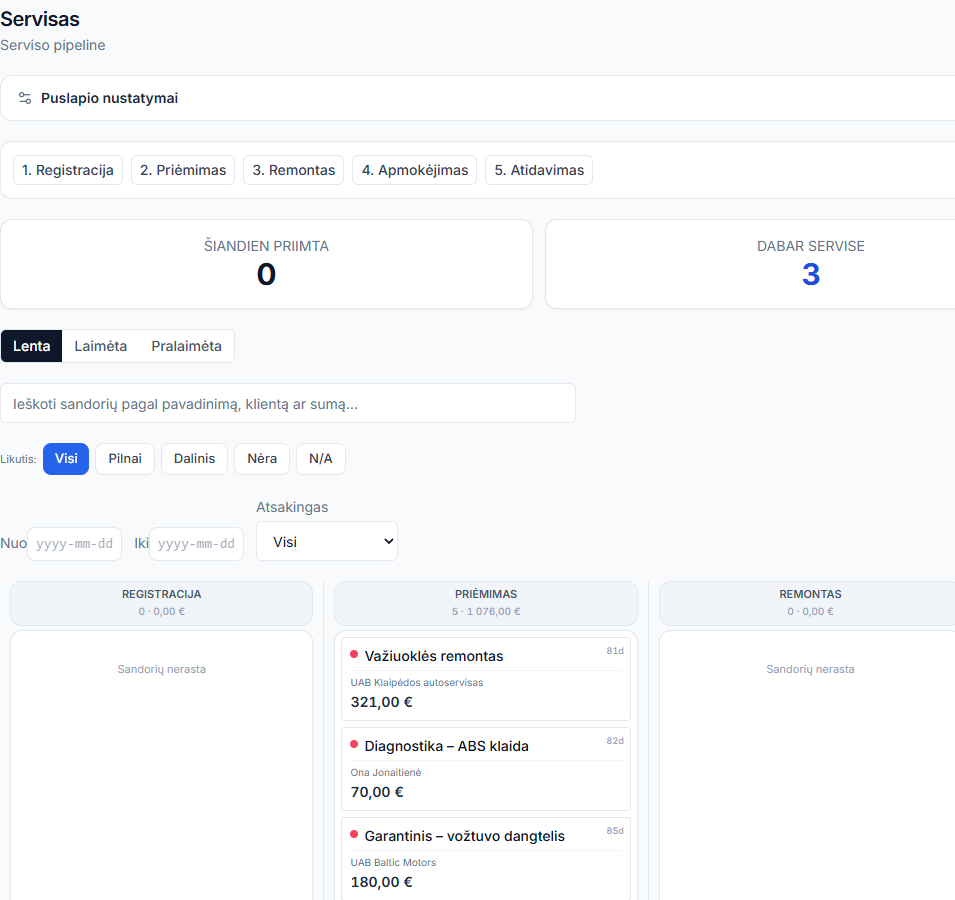
- Closing a deal automatically reserves or deducts stock — no separate step in another system
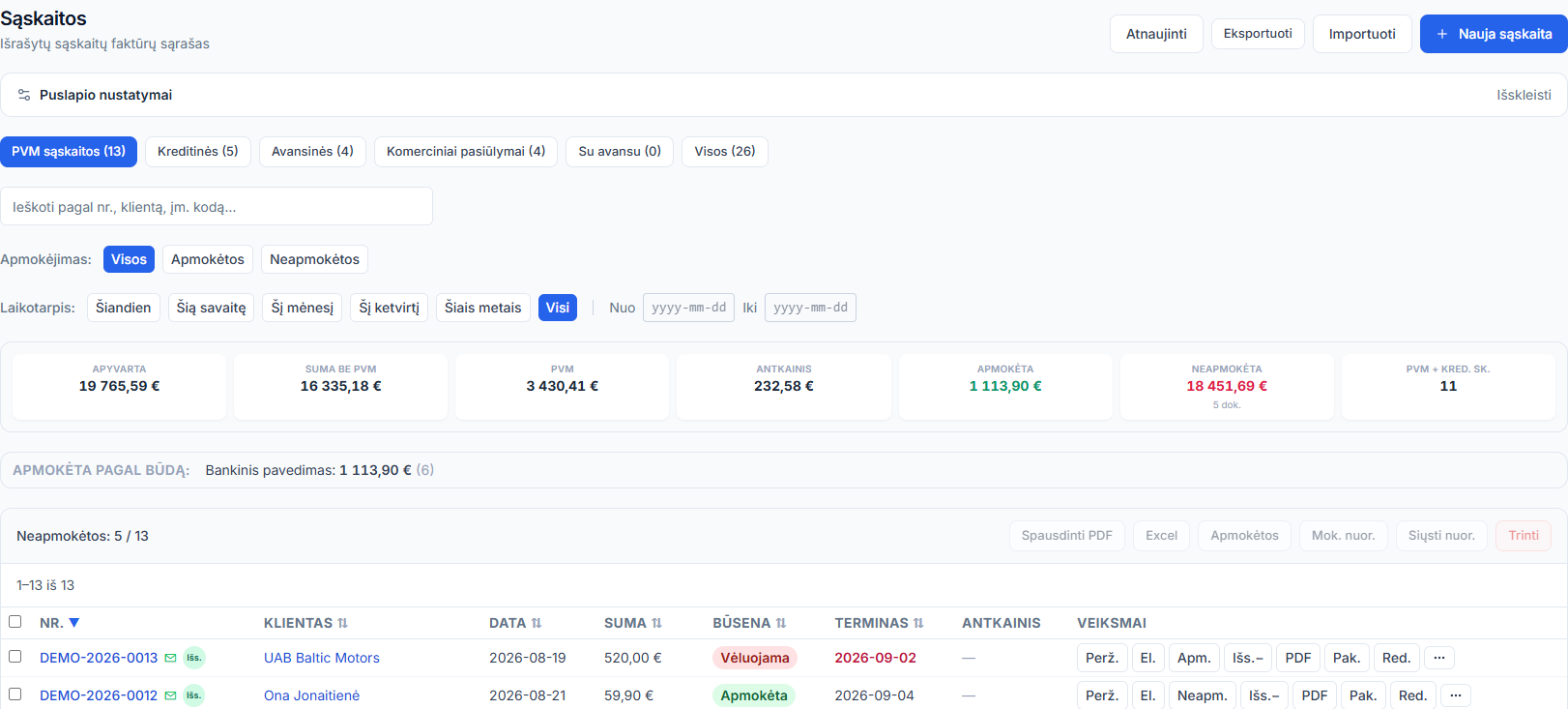
- A VAT invoice is generated straight from the deal data, no manual re-entry
- Bank statement reconciliation against invoices (SEB and Swedbank) — payment status updates automatically
- B2B partners see their own prices and stock in the portal themselves, with no call to your team
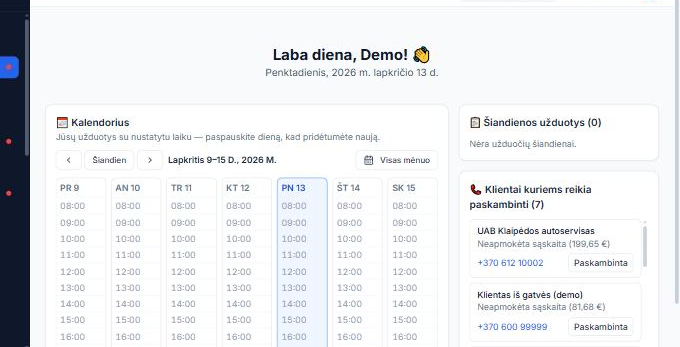
- Tasks and reminders attach to the deal, so there's no separate task list to maintain
- E-commerce integration syncs catalogue, prices and stock automatically, with no manual updates in two places
Why this matters specifically for a small/medium business
A large company can compensate for inefficiency with extra headcount in separate departments. In a small or medium team (5-20 people), every hour of manual work is taken directly from selling or serving customers — automation's benefit shows up fastest and most directly here.
What automation doesn't replace
Honestly: the system doesn't sell for you, doesn't write a proposal tailored to a customer's needs, and doesn't replace a salesperson's judgment on when and how to engage a customer. Automation removes routine manual work around the sale — the sales conversation and the customer relationship itself remain a human's job.
How to tell if your business needs more automation
Ask yourself:
- □Does your team re-enter the same data more than once (CRM → spreadsheet → invoice)?
- □Does someone manually check stock in another tool before confirming an order?
- □Does reconciling payments against invoices take at least a few hours a week?
- □Do partners/customers call about information they could see themselves?
- □Are catalogue/prices updated by hand separately across different systems (CRM, e-commerce)?
Frequently asked questions
Does DSOLVER CRM automate the sales conversation or writing proposals?
No, the system automates routine data and process steps (stock, invoicing, payments) — the sales conversation and the proposal content are still prepared by the salesperson.
Do we need technical knowledge for automation to work?
No, automatic stock reservation, invoicing and bank reconciliation work out of the box, with no additional configuration or coding.
How much time can realistically be saved?
It depends on your current process — the biggest savings show up where data is currently re-typed by hand across several separate tools (e.g. a spreadsheet plus a separate invoicing tool plus a separate warehouse log).
Does automation also work on mobile?
Yes, stock reservation and other processes work both in the browser and on a phone/tablet with a scanner.
Can we start with only part of the automated processes?
Yes, many start with CRM and invoicing or warehouse, then connect other integrations (banks, e-commerce) later.
Related pages
Want to see how much manual work you could save?
In a short call we'll review your current process and show exactly what would automate in DSOLVER CRM.